Help centre
See how Stoki works
Short guides for the jobs you do every day, each with screenshots from a real Stoki screen. Most take a minute or two.
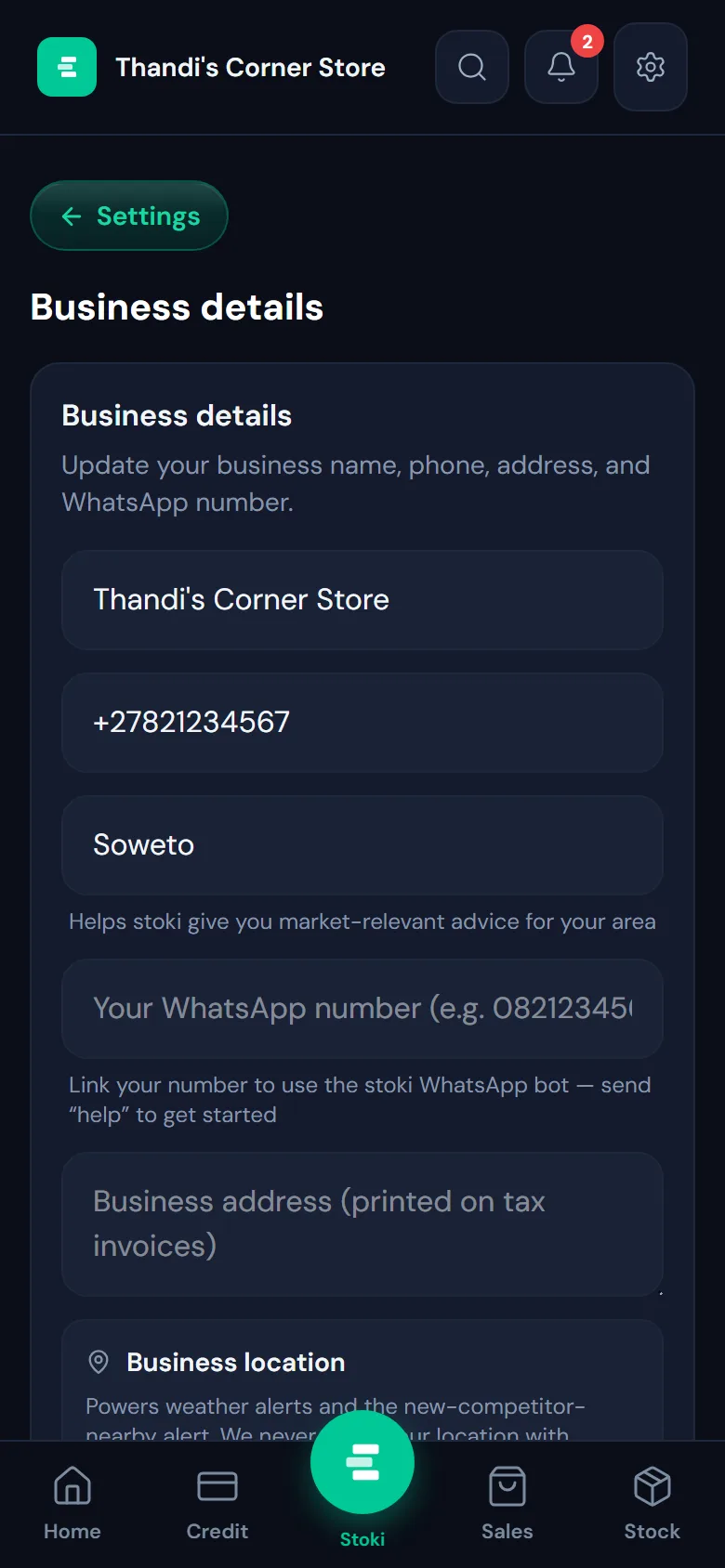
Guide 1
Set up your business
Sign up, add your business details, and find your way around the home screen.
3 min · 4 steps

Guide 2
Record a sale
Ring up a sale in a few taps, pick how the customer paid, and keep your stock count right.
1 min · 4 steps
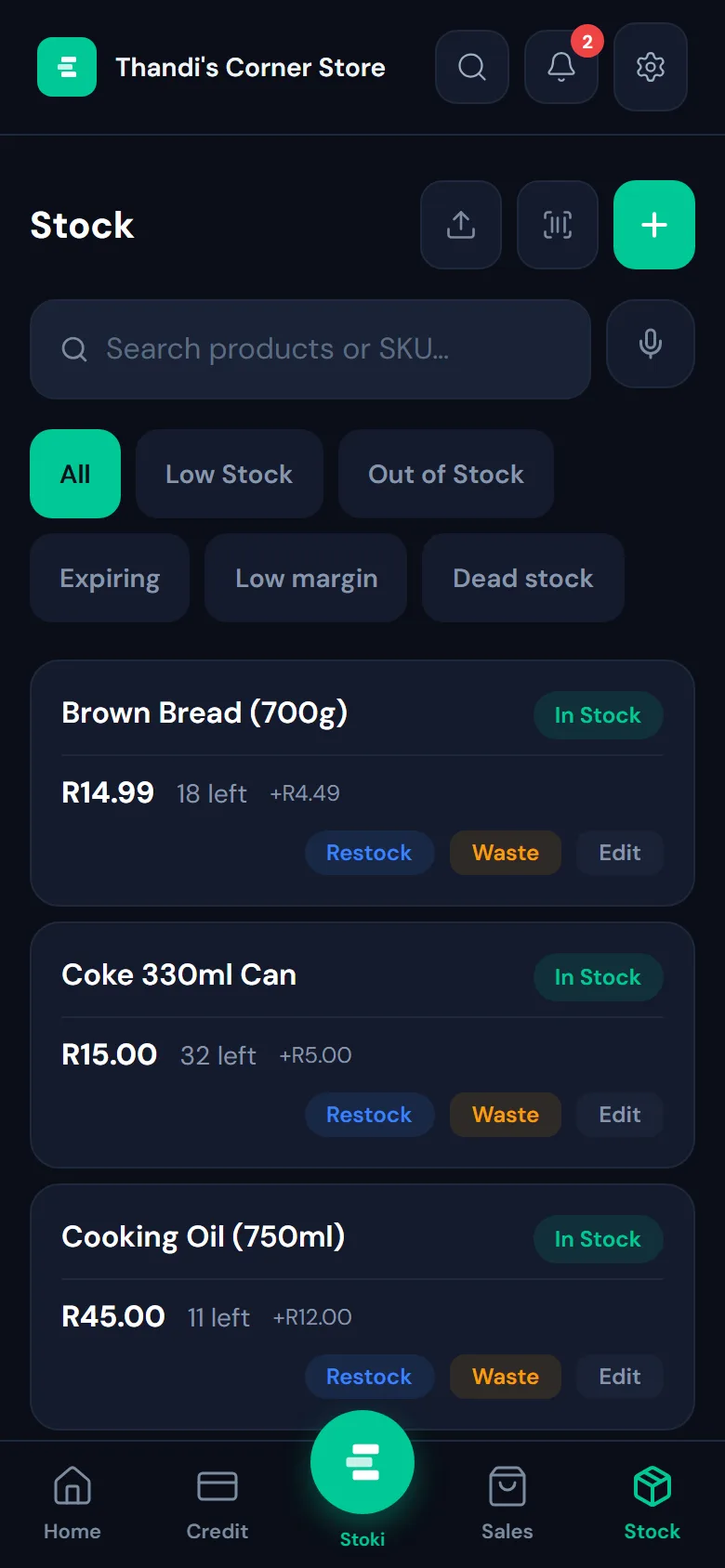
Guide 3
Add and manage your stock
Add your products, see what’s running low, and restock in seconds.
5 min · 4 steps

Guide 4
Track who owes you
Keep your credit book on your phone, see who owes what, and send a WhatsApp reminder in one tap.
2 min · 4 steps

Guide 5
See your profit
Know what you made today, this week or this month: sales, costs and profit in one view.
1 min · 3 steps
Try it on your own business
Free for your first business. Works in your phone’s browser, even when the signal drops.
Sign up free →Want the full list? See every feature