Guide 5 of 5
See your profit
Know what you made today, this week or this month: sales, costs and profit in one view.
About 1 min
- 1
Glance at today on the home screen
Home shows today’s revenue, how many sales you made and the profit on them, updated with every sale.

- 2
Open Reports
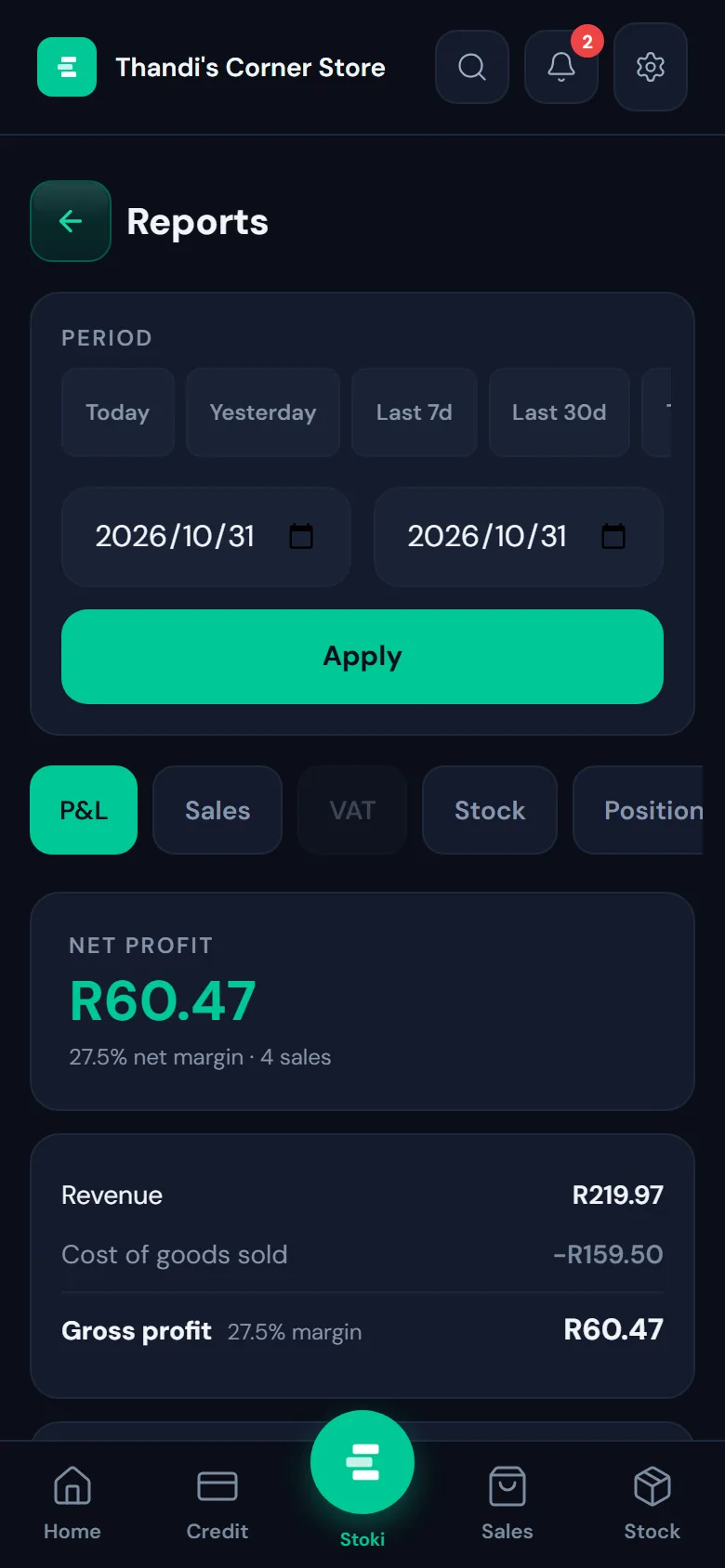
For more detail, open Reports from the home screen. Pick Today, Yesterday, Last 7 days or Last 30 days, or choose your own dates, then tap Apply.
- 3
Read your profit and loss
The P&L tab shows your net profit and margin, your revenue, what the goods you sold cost you, and your gross profit. The other tabs break down your sales, VAT and stock.