Guide 3 of 5
Add and manage your stock
Add your products, see what’s running low, and restock in seconds.
About 5 min
- 1
Open Stock
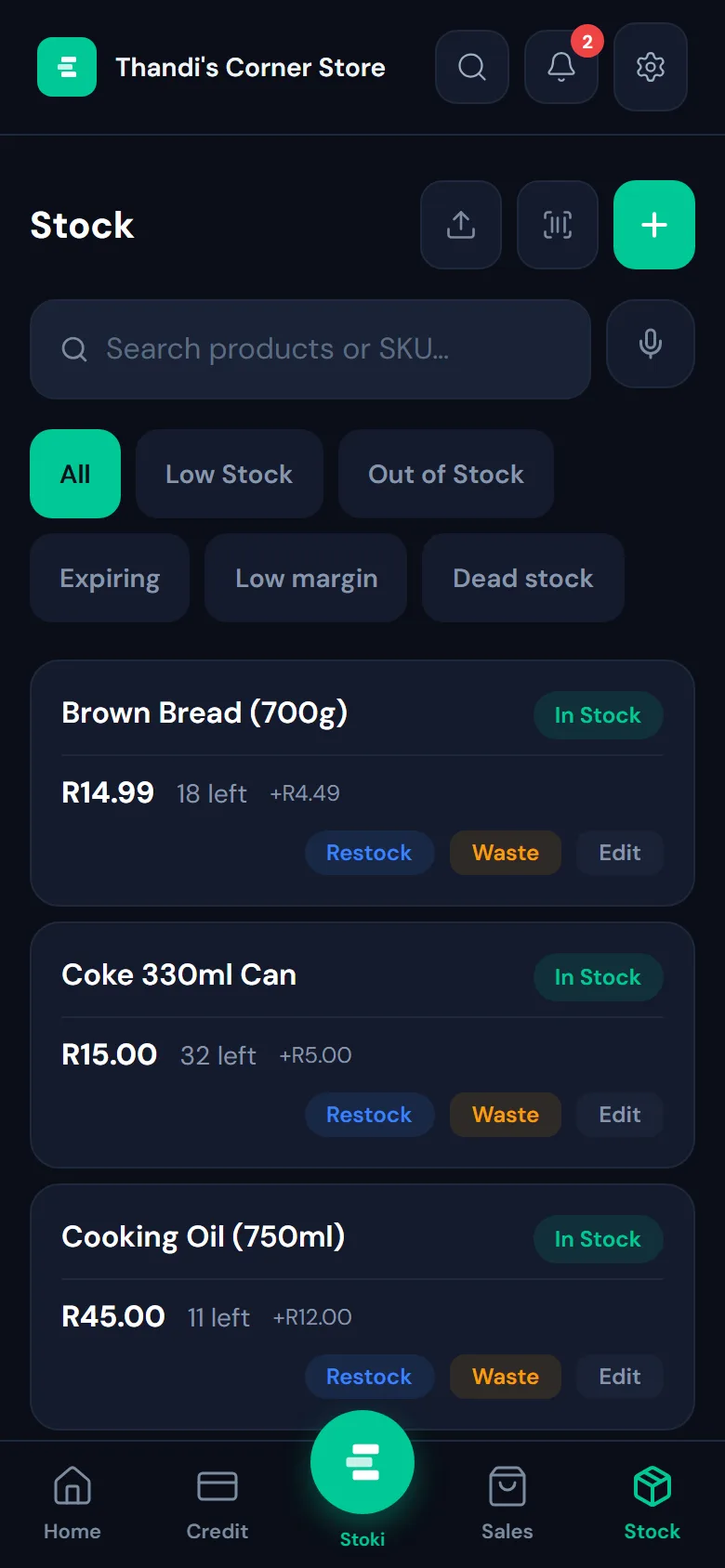
Tap Stock at the bottom of the screen. Every product shows its price, how many are left and the profit on each one.
- 2
Add a product
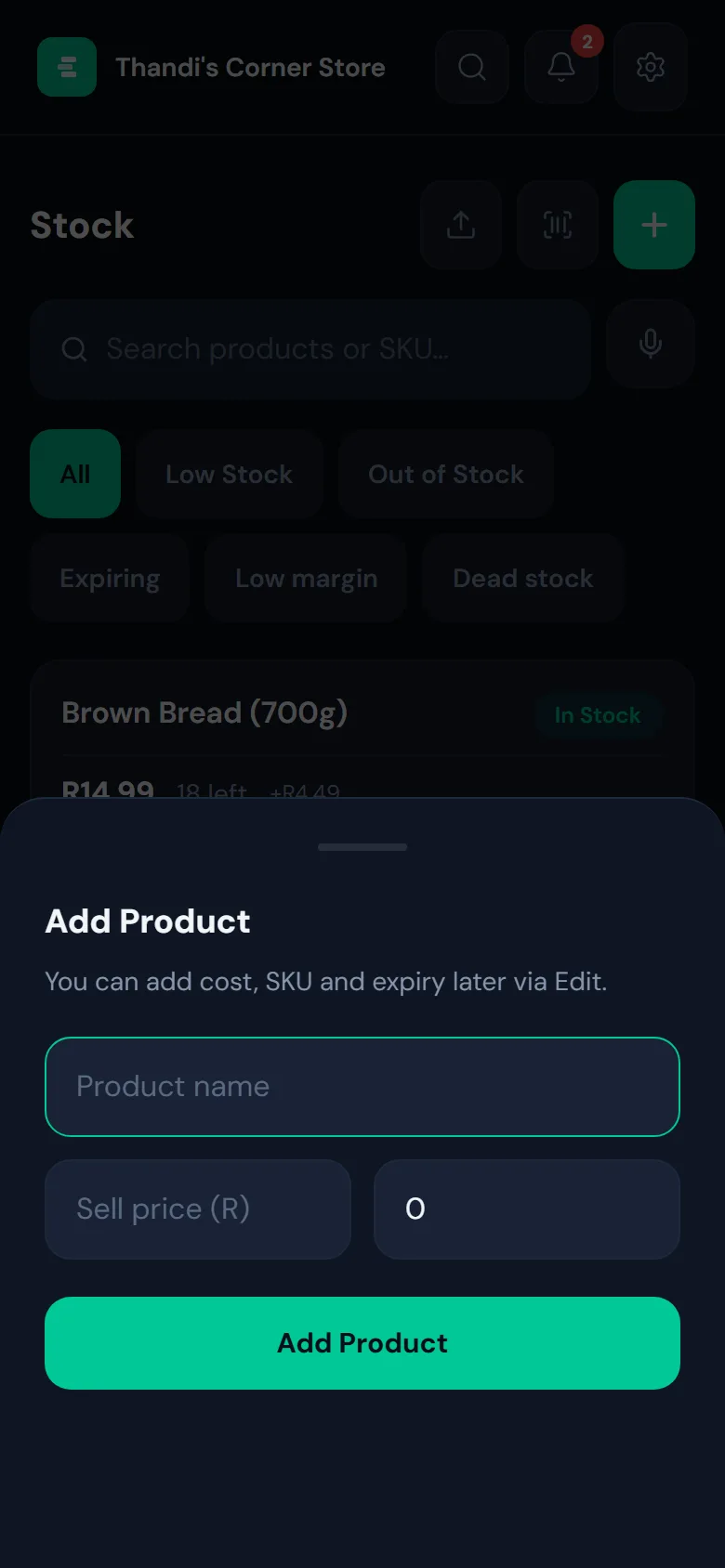
Tap the green + and type the name, the price you sell it for, and how many you have. That’s all you need to start selling it. Add what it costs you, a barcode or an expiry date later with Edit.
- 3
See what needs attention
The filters at the top show Low stock, Out of stock, Expiring soon, Low margin and Dead stock (things that aren’t selling), so you know what to reorder and what to stop buying.
- 4
Restock or record waste
When a delivery arrives, tap Restock on the product and enter how many came in. If something spoils or breaks, tap Waste, so your stock and your profit stay true.